
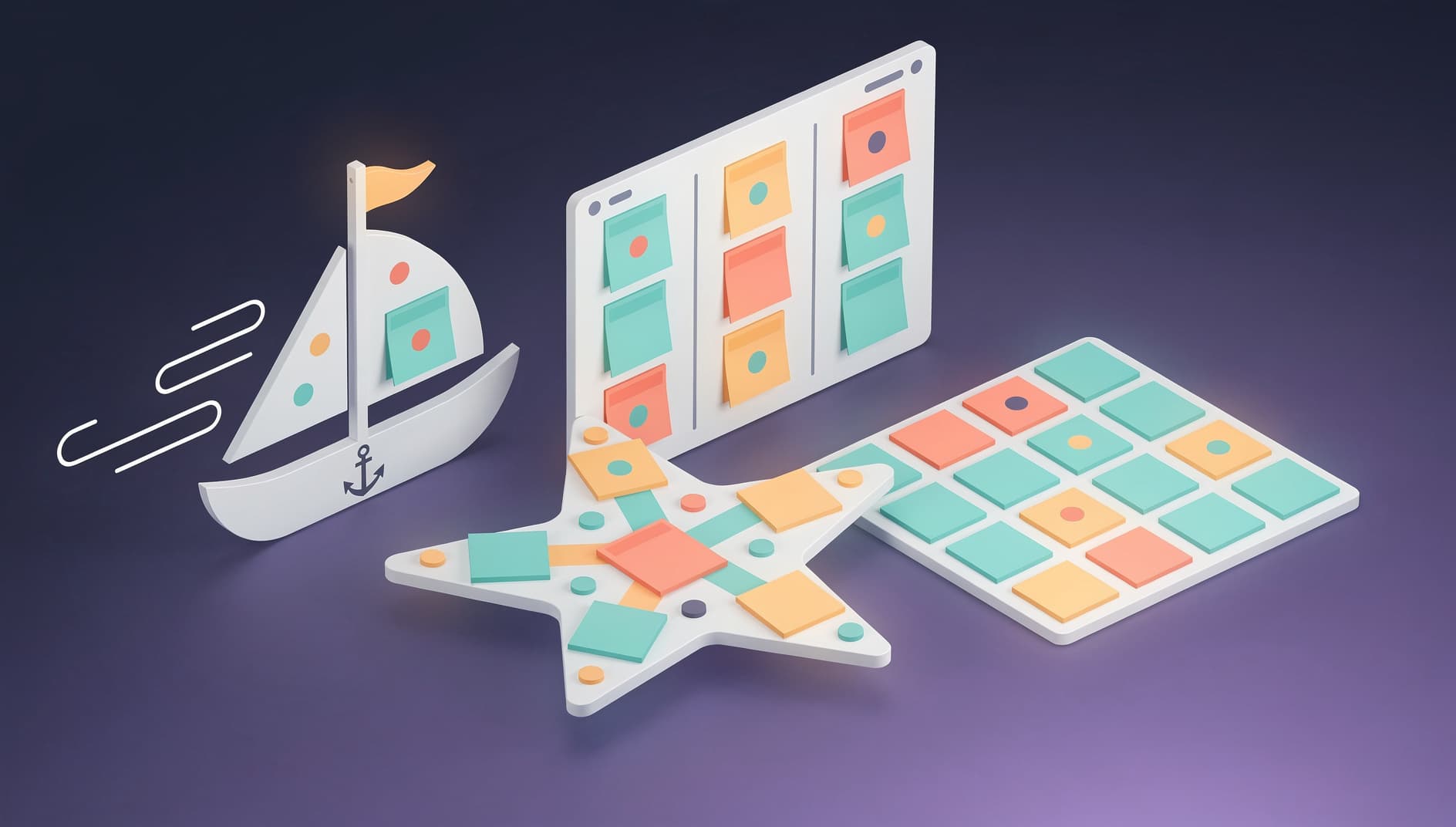
Retrospective Formats and Templates: The Definitive Guide
The format you choose for your retrospective shapes the entire conversation. Pick the right one and people open up about stuff they would normally keep to themselves. Pick the wrong one and you get the same recycled observations sprint after sprint.
This guide covers the most widely used retrospective formats, explains when each one works best, and shows how modern retrospective tools support them. Whether you are running your first retro or your two-hundredth, there is something here for you.
What Is a Retrospective Format?
A retrospective format is a structured framework that guides how a team reflects on a period of work. It defines the categories or prompts that participants respond to and the flow of the discussion.
Formats matter for a few reasons:
- They lower the barrier to participation. "What do you think?" is a terrible prompt. Give people specific categories to respond to and watch the cards pour in. This is especially true for introverts and people who are new to retrospectives.
- They prevent the conversation from going in circles. A structured format moves the team through reflection, analysis, and action planning in a deliberate sequence.
- They keep things fresh. Rotating between formats prevents the staleness that kills engagement over time.
Most formats work with physical sticky notes on a whiteboard or with digital tools. Tools add features like anonymous input, voting, timers, and automatic grouping that make facilitation significantly easier. For guidance on the broader retrospective process, see our complete guide to running retrospectives.
Classic Formats
These are the workhorses. Easy to understand, quick to set up, effective across a wide range of team sizes and situations.
Start, Stop, Continue
Best for: Teams new to retrospectives, general-purpose reflection, any team size
This is the most widely used retrospective format, and for good reason. Three simple questions:
- Start: What should we begin doing that we are not currently doing?
- Stop: What should we stop doing because it is not helping?
- Continue: What is working well that we should keep doing?
The simplicity is the whole point. Zero learning curve. The three columns naturally map to outcomes: "Start" generates experiments, "Stop" identifies waste, "Continue" reinforces good habits.
Push the team to be specific. "Stop having long meetings" is too vague to act on. "Stop inviting the entire team to the architecture review, and send a summary instead" is something you can actually do next sprint.
Tool support: Every major retrospective tool supports this format. EasyRetro includes it as a default template, and Kollabe offers a guided version with facilitator prompts for each column.
Mad, Sad, Glad
Best for: Teams dealing with emotional or interpersonal challenges, post-incident reflections
This format focuses on the emotional side of teamwork:
- Mad: What frustrated or angered you?
- Sad: What disappointed you or made you feel down?
- Glad: What made you happy or proud?
By explicitly inviting emotional responses, Mad Sad Glad creates space for the human side of work that other formats skip right over. It is particularly powerful after a rough sprint, a major incident, or a period of significant change.
This format requires strong psychological safety. If your team is not there yet, enable anonymous mode. Set the ground rules clearly: emotions are valid, and the purpose is understanding, not judgment.
Tool support: Available as a built-in template in EasyRetro, Kollabe, Retrium, and Parabol. The anonymous input features in these tools are especially useful here.
4 Ls: Liked, Learned, Lacked, Longed For
Best for: End-of-project retrospectives, quarterly reviews, broader reflection
The 4 Ls format expands the reflection beyond what went right and wrong:
- Liked: What did you enjoy about the work?
- Learned: What did you learn, technically or otherwise?
- Lacked: What was missing that would have helped?
- Longed For: What do you wish you had or wish would happen?
The "Learned" column is unique to this format and worth the price of admission on its own. It pushes the team to recognize that even difficult experiences had educational value. "Longed For" captures aspirational ideas that would never surface in more operational formats.
Use this at milestones, not every sprint. It works best when the team has enough distance from the work to reflect broadly. For regular sprint retros, simpler formats are more practical.
Sailboat (or Speedboat)
Best for: Visual thinkers, teams that respond well to metaphors, mid-project health checks
The Sailboat format uses a nautical metaphor:
- Wind (sails): What is propelling us forward?
- Anchor: What is slowing us down or holding us back?
- Rocks (obstacles): What risks or obstacles do we see ahead?
- Island (goal): Where are we trying to get to?
Drawing a sailboat on a whiteboard (or using a tool's visual template) creates a shared mental model that the team can point at throughout the discussion. It sounds cheesy. It works anyway.
Start by defining the island. This grounds the entire conversation in a shared understanding of what the team is working toward. Then discuss winds and anchors, and finish with rocks. The progression from current state to future risks creates a natural flow.
Tool support: EasyRetro offers a visual sailboat template, TeamRetro includes it as one of their core formats with a visual board layout, and Retrium has it as a built-in technique with guided facilitation prompts for each category.
Lean Coffee
Best for: Experienced teams, self-organizing groups, participant-driven agendas
Lean Coffee is not a traditional format with predefined categories. It is participant-driven:
- Generate topics: Each person writes topics they want to discuss
- Vote: The team votes on which topics to discuss first
- Discuss: Work through topics in priority order, with a timer (usually 5 minutes per topic)
- Thumbs up/down: At the end of each timebox, vote to continue or move on
This format works well for mature teams that know how to have productive conversations without much scaffolding. It surfaces what the team actually cares about rather than what the facilitator assumed they should discuss.
Do not use this with a team that is new to retros. Without the guardrails of a structured format, new teams tend to spiral into tangents or let one topic consume the entire session.
Keep the timeboxes short. Five minutes per topic forces concise discussion and prevents rabbit holes. If a topic needs more time, the team can vote to extend by 2 to 3 minutes.
Tool support: Retrium includes Lean Coffee as a dedicated built-in technique with its own guided facilitation flow. Parabol's voting and discussion timers also work well for Lean Coffee-style sessions. Kollabe supports it through their flexible board configuration.
Creative Formats
When your team has been running retros for a while and the classic formats start feeling routine, these can re-energize the conversation.

Hot Air Balloon
Best for: Teams in a rut, post-milestone celebrations, combining reflection with creative thinking
Similar to the Sailboat but with a different visual metaphor:
- Hot air (what lifts us up): What gives our team energy and momentum?
- Sandbags (what weighs us down): What drains our energy or slows us?
- Sunny skies (what we are optimistic about): What upcoming opportunities excite us?
- Storm clouds (what worries us): What potential problems do we see on the horizon?
The Hot Air Balloon adds an emotional and forward-looking dimension that the Sailboat sometimes lacks. The sunny skies and storm clouds categories explicitly ask the team to look ahead, which makes it a good fit for teams starting a new phase of work.
Use this when the team needs a morale boost. The visual metaphor of rising above problems is inherently optimistic, and the "sunny skies" column makes sure the conversation does not become entirely problem-focused.
Superhero Retrospective
Best for: Team building, fun-focused sessions, celebrating achievements
This playful format asks the team to think about their work through a superhero lens:
- Our superpowers: What are we exceptionally good at as a team?
- Our kryptonite: What weakens us or consistently causes problems?
- Our sidekicks: Who or what helps us succeed? (tools, processes, other teams)
- Our arch-nemesis: What is the biggest recurring challenge we face?
The superhero framing makes it easier to discuss weaknesses because it normalizes them. Every superhero has a kryptonite. Admitting yours is not failure, it is self-awareness.
Lean into the metaphor. Ask people to name their team's superhero identity. The silliness lowers defenses and often leads to more honest conversations than a "serious" format ever would.
The Starfish
Best for: Teams looking for nuance beyond simple start/stop categories, experienced retro participants
The Starfish expands on Start, Stop, Continue with five categories:
- Keep doing: Things that work well and should continue unchanged
- More of: Things that work but need amplification
- Less of: Things that are partially useful but overdone
- Start doing: New practices to experiment with
- Stop doing: Things to eliminate entirely
"More of" and "Less of" are what make this format special. Sometimes a practice is not good or bad, it just needs tuning. Code reviews are useful, but spending two hours on every pull request is overkill. The Starfish captures that nuance in a way that binary formats cannot.
Explain the difference between "Keep" and "More of" at the start. "Keep" means the current level is right. "More of" means it is good but we want to increase it. If you skip this explanation, people will put the same cards in both columns.
Tool support: EasyRetro includes the Starfish as a template, and Parabol offers it among their 40+ format options. TeamRetro includes it with customizable column labels.
Timeline Retrospective
Best for: End-of-project or end-of-quarter reflections, post-incident analysis
Instead of categorizing observations by type, the Timeline format organizes them chronologically:
- Draw a horizontal timeline representing the sprint or project
- Each person adds cards noting significant events, emotions, or observations at the point in time they occurred
- Walk through the timeline together from start to finish
- Identify patterns, turning points, and moments that shifted the trajectory
- Generate action items from the insights
This format is excellent for understanding cause and effect. When the team can see that a decision made in week one led to a problem in week three, the connection becomes obvious in a way that column-based formats miss entirely.
Include emotional markers alongside factual ones. Ask people to note not just what happened but how they felt at that point. Facts plus feelings gives you the full picture.
Choosing the Right Format for Your Team
Selecting a format is not a one-time decision. The best facilitators rotate formats based on what the team needs right now.
Is the team new to retrospectives? Start with Start, Stop, Continue. Lowest friction. Immediately actionable output.
Has the team just gone through a difficult period? Use Mad, Sad, Glad to create space for emotional processing, or a Timeline to understand what happened and why.
Is the team experienced but feeling stuck in a routine? Switch to a creative format like the Hot Air Balloon or Superhero to re-engage people. Sometimes just the novelty of a new format is enough to produce different conversations.
Are you at a major milestone (end of project, quarterly review)? Use the 4 Ls or Timeline for broader, deeper reflection.
Does the team want to self-direct the conversation? Try Lean Coffee and let the team set the agenda.
Do you need nuanced feedback on existing practices? The Starfish format's five categories give you the granularity to distinguish between "this is good, keep it" and "this is good, but we need more of it."
As a general rule, rotate between 2 to 3 formats over the course of a quarter. Enough variety to keep things fresh, enough repetition for the team to get comfortable with each format.
How Tools Handle Templates
Modern retrospective tools come with extensive template libraries. Here is how the top tools compare.
EasyRetro has 200+ templates covering every format mentioned in this guide and dozens more. Their template marketplace also includes community-contributed formats, so you can find niche options for specific situations. Browse our EasyRetro review for the full breakdown.
TeamRetro takes a different approach with AI-powered template suggestions. Based on your team's history and previous retro outcomes, it recommends formats that are likely to surface the issues your team needs to discuss. Useful if you are not sure which format to pick. See our TeamRetro review for details.
Kollabe provides guided templates with facilitator notes. Each template includes step-by-step instructions, suggested timeboxes, and prompts for the facilitator. Ideal for less experienced facilitators or teams running a new format for the first time. Our Kollabe review covers this in depth.
Parabol offers 40+ templates with a focus on structured facilitation. Their tool walks the facilitator through each phase automatically, from icebreaker to reflection to discussion to action items. Check our Parabol review for the complete picture.
Retrium emphasizes proven retrospective techniques rather than raw template count. Each of their formats is based on published agile coaching methodologies, and they include detailed guidance on when and how to use each one. Read our Retrium review for more.
For a side-by-side comparison across pricing, features, and team size, browse our tools directory or check specific comparisons like Kollabe vs EasyRetro.
Tips for Creating Custom Formats
Sometimes none of the standard formats quite fit. Here is how to build your own.
Start With Your Goal
What do you want the team to reflect on? If you want to improve collaboration, your columns might be "Communication wins", "Communication gaps", and "Experiments to try." If you want to assess a new process, try "What the new process helped with", "What it made harder", and "Adjustments to make."
The goal determines the columns. Not the other way around.
Stick to 3-5 Categories
Fewer than three limits the conversation. More than five overwhelms people and fragments the discussion. Three to four is the sweet spot for a standard sprint retro. Go up to five for longer reflection sessions.
Balance Positive and Negative
Every format should include at least one positive category. Formats that focus exclusively on problems create a negative feedback loop that damages morale over time. Even your most problem-focused retro should celebrate what the team is doing well.
Write Clear Prompts
Ambiguous category names produce off-topic cards. "Feedback" could mean anything. "Feedback we received from users this sprint" is specific enough to get useful responses. The more precise the prompt, the better the cards you will get back.
Include a Forward-Looking Element
The most effective formats include at least one category that asks the team to look ahead. "Experiments for next sprint", "Risks we see coming", or "Goals for the next two weeks." Without a forward-looking prompt, retros tend to become post-mortems that produce analysis but no action.
Test and Iterate
Run your custom format once, then ask the team for feedback on the format itself (not just the content). A format that seemed clever in theory might fall flat in practice. "Did this format help us have a useful conversation?" is the only question that matters. Adjust based on their answers.
Many tools support custom templates. Kollabe allows you to create and save custom board layouts, EasyRetro lets you define custom columns with your own labels and prompts, and Parabol supports custom template creation that other teams in your organization can reuse.
The format is the frame for the conversation, not the conversation itself. The best format in the world will not save a retro without psychological safety, good facilitation, and genuine follow-through on action items. Use our guide to running great retrospectives to get the full picture.
Choose a format that matches your team's needs, run it with care, and change it when it stops working. That is all there is to it.
Compare retrospective tools
See which tools support your favorite formats with built-in templates, anonymous input, and voting.
Browse All Tools