

Quick Verdict
Neither of these is a dedicated retro tool. Both are visual collaboration platforms that happen to have retro templates. The question is which whiteboard you want your team living in.
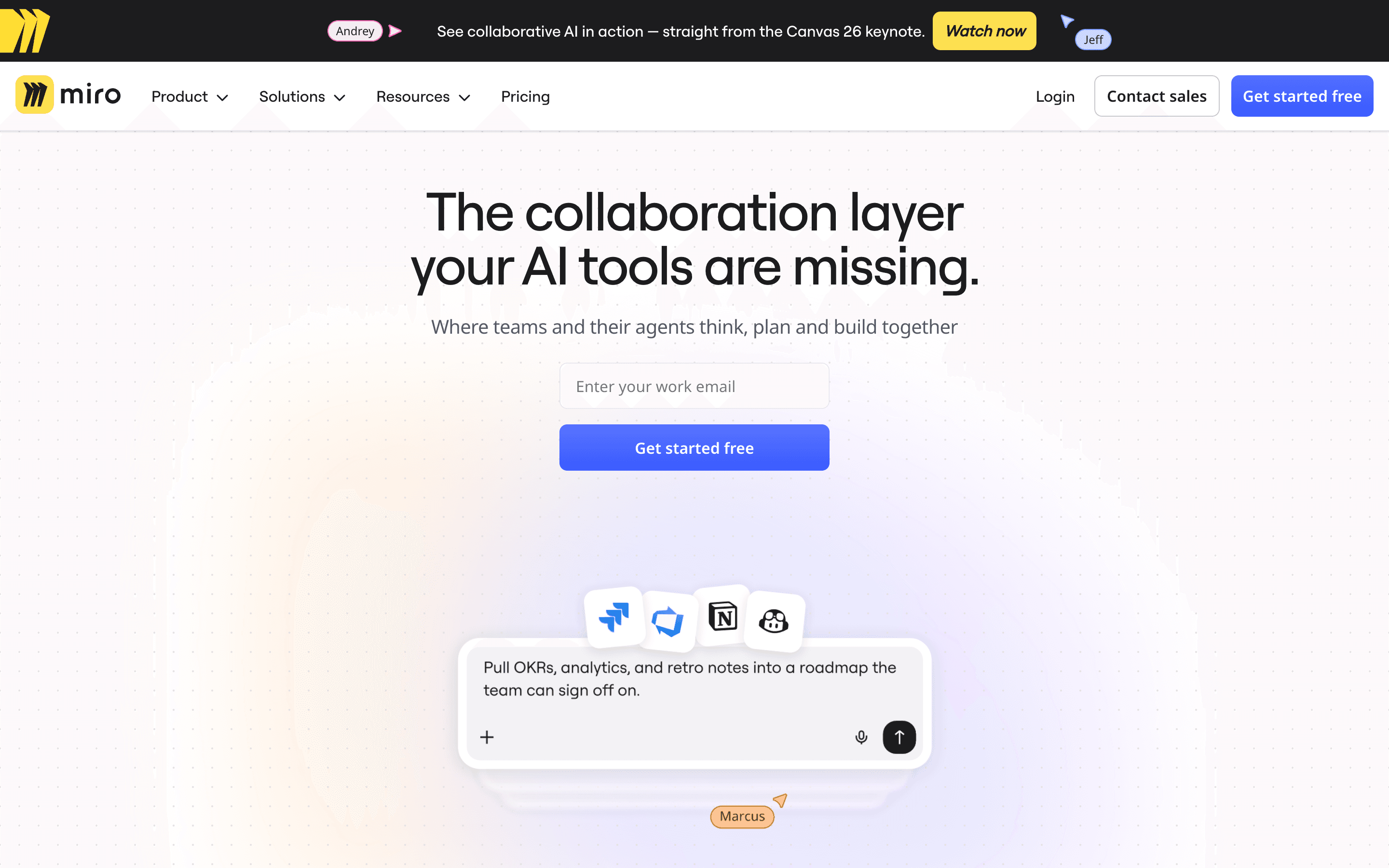
Miro is the bigger platform by a wide margin. 100 million users, 160+ integrations, native planning poker, native apps on every platform. If your team already uses Miro for brainstorming, diagramming, or workshops, running retros there too means one fewer tool to manage.
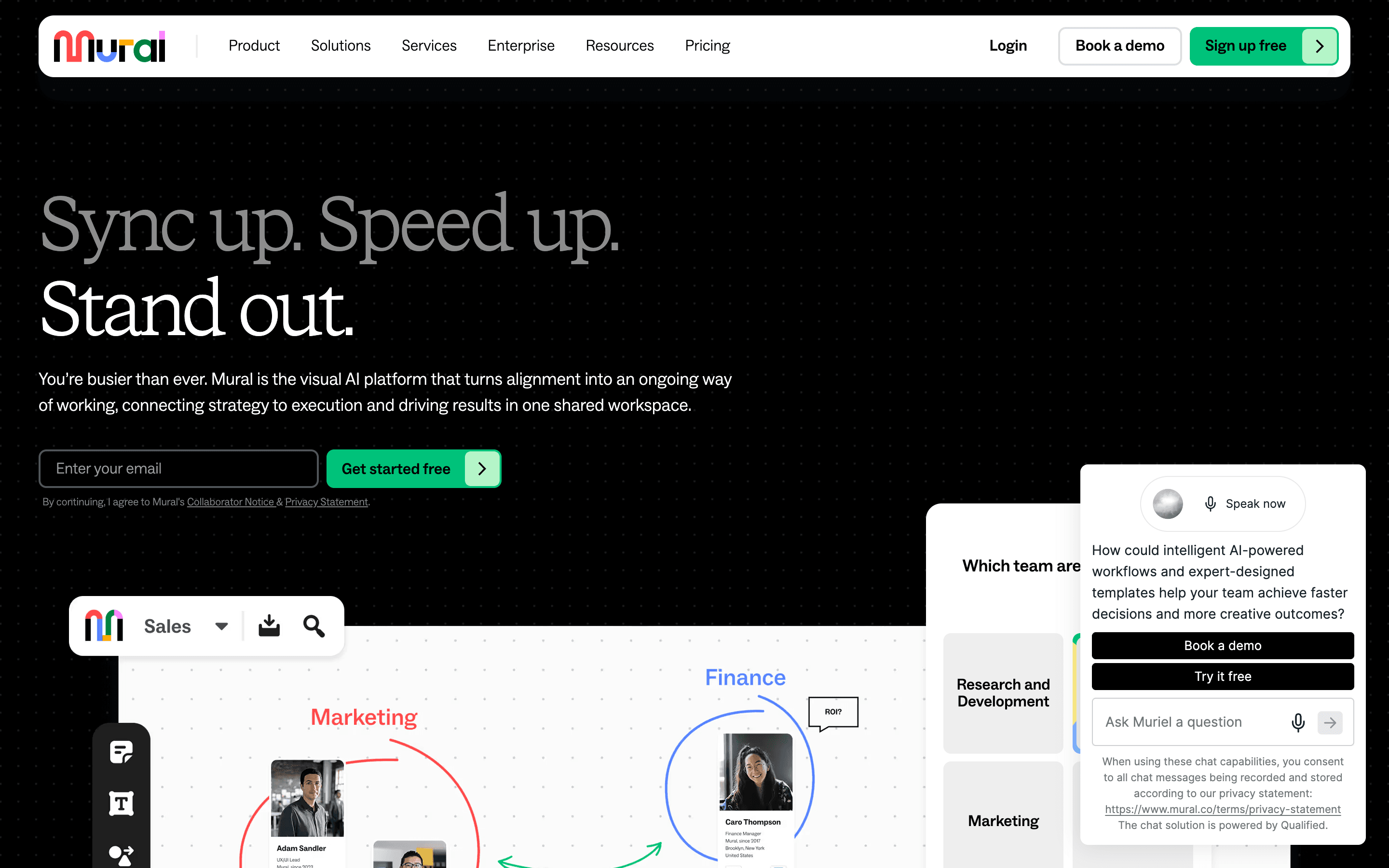
MURAL is smaller but has stronger facilitation controls. Its Outline, Hide & Reveal, and Facilitator Lock features give the person running the retro more control over pacing and flow than Miro offers. If structured facilitation matters more to you than platform breadth, MURAL is worth a look. For everyone else, Miro.
Feature Comparison
Both platforms cover the retro basics: templates, voting, timers, sticky notes, and real-time collaboration. Both have AI that clusters cards and summarizes discussions. Both let you build custom templates. Most of the core feature set is shared.
Where they split: Miro goes wide. It has a native Estimation app for planning poker with Fibonacci decks and anonymous voting. It supports standups via templates. It has Lean Coffee templates. Health check templates from the community. 300+ official templates plus 7,000+ from the Miroverse community. MURAL has around 100 templates total and no planning poker at all.
MURAL's Outline, Hide & Reveal, and Facilitator Lock features give session leaders phase-by-phase control that Miro's open canvas simply doesn't offer. If your retro facilitators are inconsistent or new to the role, MURAL's guardrails help more than any amount of templates.
MURAL goes deep on facilitation. Its Outline feature lets facilitators build step-by-step session flows. Hide & Reveal progressively discloses content so the team isn't overwhelmed by an entire board at once. Facilitator Lock prevents participants from accidentally moving things. Summon brings everyone to the facilitator's view. Miro has presentation mode and "Bring everyone to me," but it lacks the structured phase-by-phase control that MURAL provides.
Neither platform tracks retro-specific analytics over time. You won't see sentiment trends across sprints, action item completion rates, or participation metrics. Both give you admin dashboards for board usage, but that's about workspace management, not retro outcomes. If longitudinal retro data matters, dedicated tools like TeamRetro or Kollabe are better suited for that.
Pricing Comparison
Both charge per user per month. Miro starts at $8/member/month (annual) for the Starter plan with unlimited boards, AI credits, and core integrations. MURAL's Team+ plan starts at $9.99/user/month (annual). Miro is cheaper at every tier while offering more features.

Miro
Starter plan, billed annually
- Unlimited boards and guests
- AI credits (25/mo on Starter)
- 160+ integrations
- Business at $16/user/mo adds SSO and two-way Jira sync

MURAL
Team+ plan, billed annually
- Unlimited murals
- AI included (Summarize, Cluster, Classify)
- ~40 integrations
- Business at $17.99/user/mo adds SSO and advanced integrations
For a team of 10: Miro Starter runs $80/month. MURAL Team+ runs $100/month. At the Business tier: Miro is $160/month vs. MURAL at $180/month.
Both free plans are limited to 3 boards. That's a trial, not a real free tier. Smaller teams on a tight budget should look at flat-rate tools instead.
Both have enterprise tiers with custom pricing, SCIM provisioning, and data residency options. MURAL holds a slight edge in compliance certifications — it's FedRAMP authorized and HIPAA compliant on top of the SOC 2 and ISO 27001 that both carry. For highly regulated industries, that matters.
Ease of Use
Miro's canvas is familiar to anyone who's used a digital whiteboard. Drag sticky notes, draw connections, drop images. The learning curve is low for basic use but steepens when you dig into integrations, AI features, and advanced board management. With 100 million users, there's no shortage of tutorials and community resources.
MURAL is similarly intuitive for basic collaboration. Where it pulls ahead is in facilitated sessions. The Outline panel on the left side of the screen gives the facilitator a clear agenda that participants can follow. Combined with Hide & Reveal, the facilitator controls exactly when each section becomes visible. This makes the session feel guided even though it's a whiteboard. Miro leaves more of that orchestration to the facilitator's skill.
Both have native mobile and desktop apps. Both work in the browser. MURAL's mobile apps have reduced functionality compared to desktop, so certain content types can't be added on phones.
Integrations
Miro wins here by volume. 160+ apps in its marketplace: Jira (two-way sync), Azure DevOps (two-way sync), GitHub, Linear (beta), Confluence (two-way), Slack, Microsoft Teams, Trello, Asana, ClickUp, Google Workspace, Zoom, Figma, and more. If your team uses it, Miro probably connects to it.
MURAL has around 40 integrations. Jira and Azure DevOps get two-way sync. The Microsoft Teams integration is where MURAL shines: you can work on murals directly inside Teams channels. Salesforce, Asana, Rally, and Microsoft Planner all have two-way sync too. But there's no Linear, no native GitHub work-item integration, and Trello requires Zapier.
If your company lives in the Microsoft ecosystem, MURAL's Teams integration is the best of any whiteboard tool — you can collaborate on murals directly inside Teams channels without switching apps. For everyone else, Miro's 160+ integrations cover more ground.
AI and Automation
Both platforms have AI clustering, summaries, and sentiment analysis. Both gate AI behind paid plans.
Miro's AI runs on a credit system: 10 credits/month on Free, 25 on Starter, 50 on Business, 100 on Enterprise. Users report credits running out faster than expected on complex operations. MURAL includes AI on Team+ and above without a visible credit system, though it's limited to specific features (Summarize, Cluster, Classify).
The AI does similar things in both tools. It groups related sticky notes and summarizes content. Neither offers the kind of real-time facilitation AI you'd get from a dedicated retro tool, like auto-grouping during the session itself or generating action items from themes. You're still doing most of the facilitation work manually on both platforms.
Who Should Choose Which?
Choose Miro if…
- You need a visual collaboration platform for more than just retros — brainstorming, diagramming, sprint planning all in one workspace
- You want native planning poker with Fibonacci decks and anonymous voting without switching tools
- Your team uses a wide range of dev tools and needs 160+ integrations to avoid gaps
- You want the cheaper per-user price at every tier while getting more features
- Your team members probably already know how to use it — 100 million users and no shortage of community resources
Choose MURAL if…
- Your retro facilitators rotate or are new to the role and need Outline and Hide & Reveal to keep sessions structured
- Your company lives in the Microsoft ecosystem and needs the best-in-class Teams integration
- You're in a regulated industry that requires FedRAMP or HIPAA compliance on top of SOC 2
- Structured facilitation matters more to you than platform breadth or integration count
- You want session pacing controls that prevent participants from jumping ahead or moving things accidentally
For more on how whiteboard retros compare to purpose-built options, see our retrospective formats guide.
Final Recommendation
For most teams, Miro is the better pick. It's cheaper per user, has more integrations, includes planning poker, and supports more workflows on a single platform. The 100-million-user ecosystem means your team members probably already know how to use it.
MURAL is a good tool with a real niche. Its facilitation controls are stronger, and the Microsoft Teams integration is the best of any whiteboard tool. But you're paying more per seat for a smaller platform with fewer integrations and no planning poker. Unless facilitation structure or Teams support is your top priority, Miro gives you more for less.
If neither whiteboard approach appeals to you and you'd rather have a purpose-built retro tool with guided phases, action item tracking, and retro analytics, check out dedicated retro tools instead.