

Quick Verdict
This is a platform vs. specialist matchup. Miro is a visual collaboration canvas with retro templates bolted on. Retrium is a dedicated retrospective tool that does one thing and does it well.
If your team only needs retros and you value structured facilitation (a guided Think → Group → Vote → Discuss → Wrap Up flow), Retrium is worth the premium. The facilitator controls are tighter, the anonymity features are more thoughtful, and action items persist between meetings with outcome tracking.
But if you need planning poker, standups, diagramming, or any other agile ceremony alongside retros, Miro handles all of that on one canvas. It costs less per user, too.
Feature Comparison
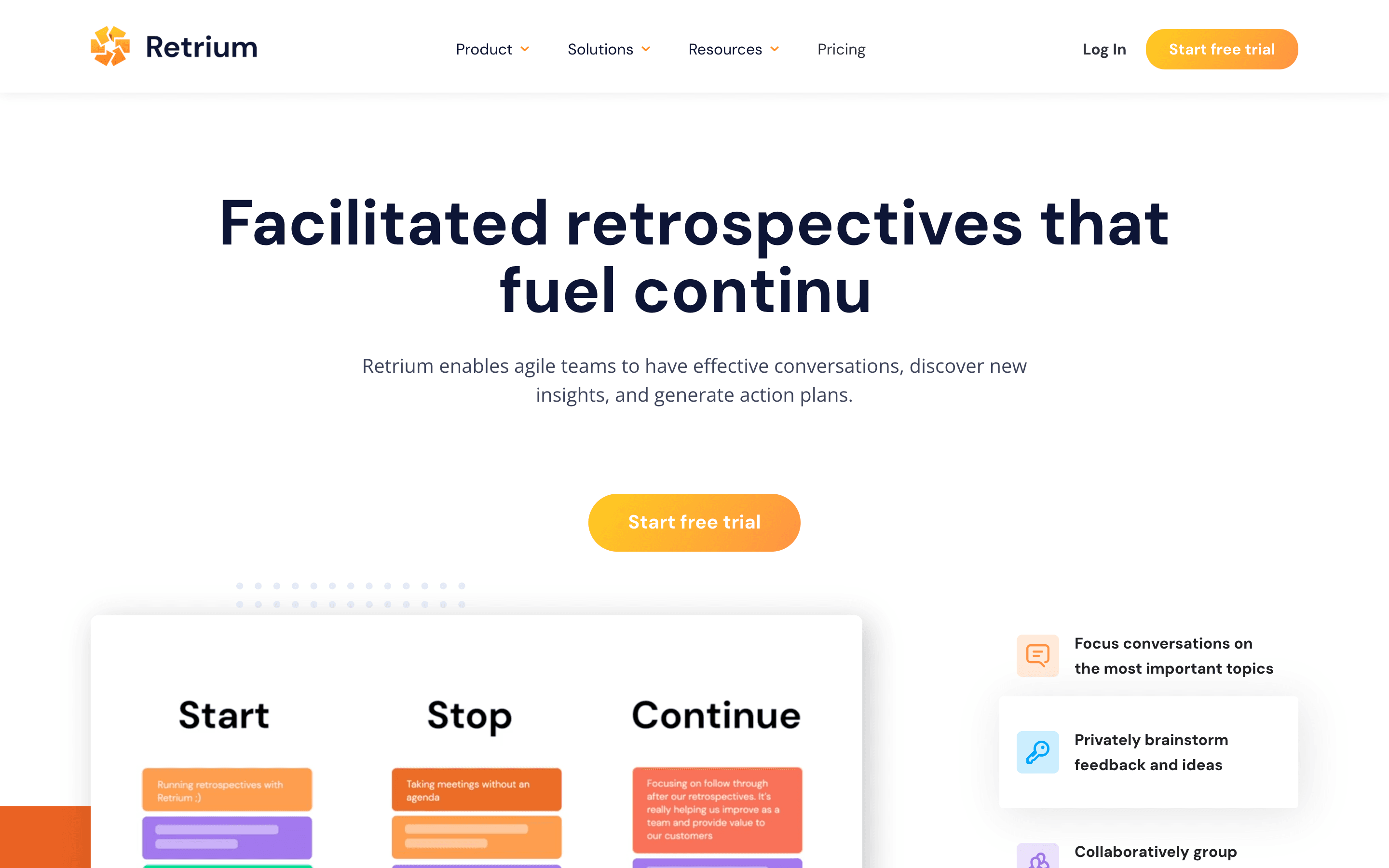
Retrium's core advantage is its five-phase guided workflow. When you start a retro, Retrium walks your team through Think, Group, Vote, Discuss, and Wrap Up in order. Notes are blurred during the Think phase to prevent groupthink. The facilitator controls when each phase starts. It's opinionated by design, so newer facilitators can run a solid retro without knowing much about facilitation theory.
Miro has none of that structure. You get a whiteboard with a retro template on it. The facilitator has to manually tell the team "okay, now we're voting" and hope everyone follows along. Private mode hides sticky notes, and there's a timer, but orchestrating the session is entirely on the person running it.
Retrium's five-phase guided workflow (Think → Group → Vote → Discuss → Wrap Up) means even a first-time facilitator can run a structured retro. Miro's whiteboard approach requires the facilitator to manually orchestrate every phase transition.
Where Miro pulls ahead is everywhere else. AI grouping and sentiment analysis? Retrium has neither. Planning poker with Fibonacci decks? Retrium doesn't offer estimation at all. Miro also has standup templates, Lean Coffee boards, community health checks, and 7,000+ templates in the Miroverse. Retrium has 11 built-in retro techniques and custom templates, which is plenty for retros specifically, but that's where it stops.
Retrium does have real retro analytics: retrospective history, technique usage reports, team radar trends, and action item tracking with expected vs. actual outcomes. Miro tracks board usage at the admin level but has zero retro-specific analytics. For teams that want to measure whether retros are actually improving things over time, Retrium is one of the few tools that takes this seriously. TeamRetro is another.
Pricing Comparison
This is where the comparison gets awkward for Retrium. Miro charges per user; Retrium charges per Team Room. A Team Room is a persistent space for one team's retros.

Miro
Starter plan, billed annually
- Unlimited boards and visitors
- 25 AI credits per member per month
- 160+ integrations included
- Business at $16/user/mo adds SSO and two-way Jira sync

Retrium
Per Team Room, unlimited users
- Unlimited users per Team Room
- All 11+ retro techniques included
- Jira Cloud action item export
- Business at $59/mo adds SSO and SOC 2 audit access
Retrium's per-room pricing sounds reasonable at first. $39/month for a whole team, regardless of size. But it adds up fast with multiple teams. Five teams is $195/month. Ten teams is $390/month. Meanwhile, Miro Starter for 10 users is $80/month, and those users get planning poker, standups, and whiteboarding alongside retros.
There's no permanent free tier on Retrium. You get a 30-day trial, then you pay or you're out. Miro's free plan is limited to 3 boards, which isn't much, but it's permanent. If budget matters, Miro gives you far more per dollar. For flat-rate alternatives, Kollabe offers unlimited retros starting at $29/month.
Ease of Use
Retrium is easier to use for retros specifically. Pick a technique, share the link, and the guided flow handles the rest. There's very little the facilitator needs to configure. The timer, phase controls, and voting are all baked into the workflow. Teams can be running a retro within minutes of signing up.
Miro has a shallow learning curve for basic whiteboarding, but running a well-structured retro requires more effort from the facilitator. You need to pick the right template, explain the phases to participants, manage timing manually, and make sure nobody starts voting before grouping is done. With 100 million users there's no shortage of tutorials, but the tool itself won't hold your hand during a retro the way Retrium does.
If your team rotates facilitators or has people new to the scrum master role, Retrium's built-in workflow acts as a training wheel. Miro assumes the facilitator already knows what they're doing.
Miro has native apps on iOS, Android, macOS, and Windows. Retrium is web-only with partial mobile support. If people join retros from phones or tablets, Miro handles that better.
Integrations
Miro's marketplace has 160+ apps. Two-way sync with Jira, Azure DevOps, Linear (beta), and Confluence. Native Slack and Microsoft Teams support. Google Workspace, Zoom, Figma, Asana, ClickUp, Trello. If your team uses a tool, Miro probably connects to it.
Retrium's integration story is much thinner. Jira Cloud gets one-way action item export (no two-way sync, and custom required fields aren't supported). Slack has a proper integration with real-time retro updates and weekly action item summaries. GitHub, Trello, Asana, and ClickUp get basic action item export. There's no Confluence, no Azure DevOps, no Linear.
For teams deep in the Atlassian ecosystem who want two-way Jira sync or Confluence embeds, Retrium simply doesn't compete. If Slack and one-way Jira export cover your needs, Retrium works fine.
AI and Automation
Miro has AI clustering, sentiment analysis, and board summaries. It groups related sticky notes, identifies emotional tone, and generates activity summaries. All of it runs on credits: 10/month on Free, 25 on Starter, 50 on Business.
Retrium has no AI features at all. Grouping is manual, or collaboratively done with the team via "silent grouping." For teams where the facilitator handles grouping as a discussion activity, this is fine. For larger teams generating 50+ sticky notes per retro, AI grouping saves real time.
Retrium's lack of AI is intentional. The tool is built around structured human facilitation, not automation. Whether that's a strength or weakness depends on how you run your retros. If you want the facilitator to guide every step, Retrium's approach works. If you want technology to handle the tedious parts, Miro's AI helps, at least until the credits run out.
Who Should Choose Which?
Choose Miro if…
- You need more than just retros: planning poker, standups, brainstorming, and diagramming in one workspace
- Your team uses Jira or Azure DevOps and wants two-way sync, not just one-way action item export
- You want AI clustering and sentiment analysis to speed up retros with large groups
- Budget matters and you'd rather pay $8/user/month for a multi-purpose tool than $39/team/month for retros only
- You need native mobile and desktop apps so team members can join from any device
Choose Retrium if…
- You want guided, phase-by-phase facilitation that new scrum masters can run confidently
- Retro-specific analytics matter: tracking sentiment trends, technique usage, and action item outcomes over time
- You value strong anonymity controls where notes are blurred by default and voting is always private
- Your teams only need retrospectives and health checks, not a multi-purpose collaboration platform
- You need SOC 2 compliance and structured security practices for enterprise procurement
Final Recommendation
Miro is the better choice for most teams. It costs less, does more, and has the integrations and platform support that modern engineering teams expect. The AI features save time on large retros. Having planning poker, standups, and whiteboarding alongside retros means one fewer tool in your stack.
Retrium earns its place for teams that care deeply about facilitation quality. The guided workflow is the best in the category, and the retro analytics are useful for tracking improvement across sprints. If your retros feel disorganized and your facilitators need structure, Retrium solves that problem better than Miro can.
The pricing gap is hard to ignore, though. $39/month per team for retros only, versus $8/user/month for retros plus everything else. Retrium has to justify itself on facilitation quality alone. For some teams, it does. For a comparison of Retrium against other dedicated retro tools, see Retrium vs TeamRetro or Parabol vs Retrium.